Last reviewed: October 6, 2026
What actually moves across
A Poshmark closet listing is a useful start: photos, a fashion title, brand, size, and a price that made sense inside Poshmark. eBay does not treat that as a finished listing. Item specifics, shipping, returns, and a price that still pays you after fees are the work on the eBay form.
This is a transfer, not a verdict on which site is “better.” Some pieces belong on both. Some should stay in the closet.
Transfer checklist
| Field | From Poshmark | Check on eBay.ca before you list |
|---|---|---|
| Photos | Cover plus details already shot | Same files, and they meet eBay’s photo rules |
| Title | Style-first closet title | Brand, size, colour, condition, and the words buyers search |
| Item specifics | Brand, size, and colour if you filled them | The required specifics for that eBay category |
| Price | Closet price | Room for current eBay selling and payment fees, plus shipping if you offer it |
| Shipping | Poshmark’s label flow | Your own shipping policy, handling time, and who pays |
| After a sale | Mark the closet listing sold yourself | End the eBay listing yourself |
How to move one listing
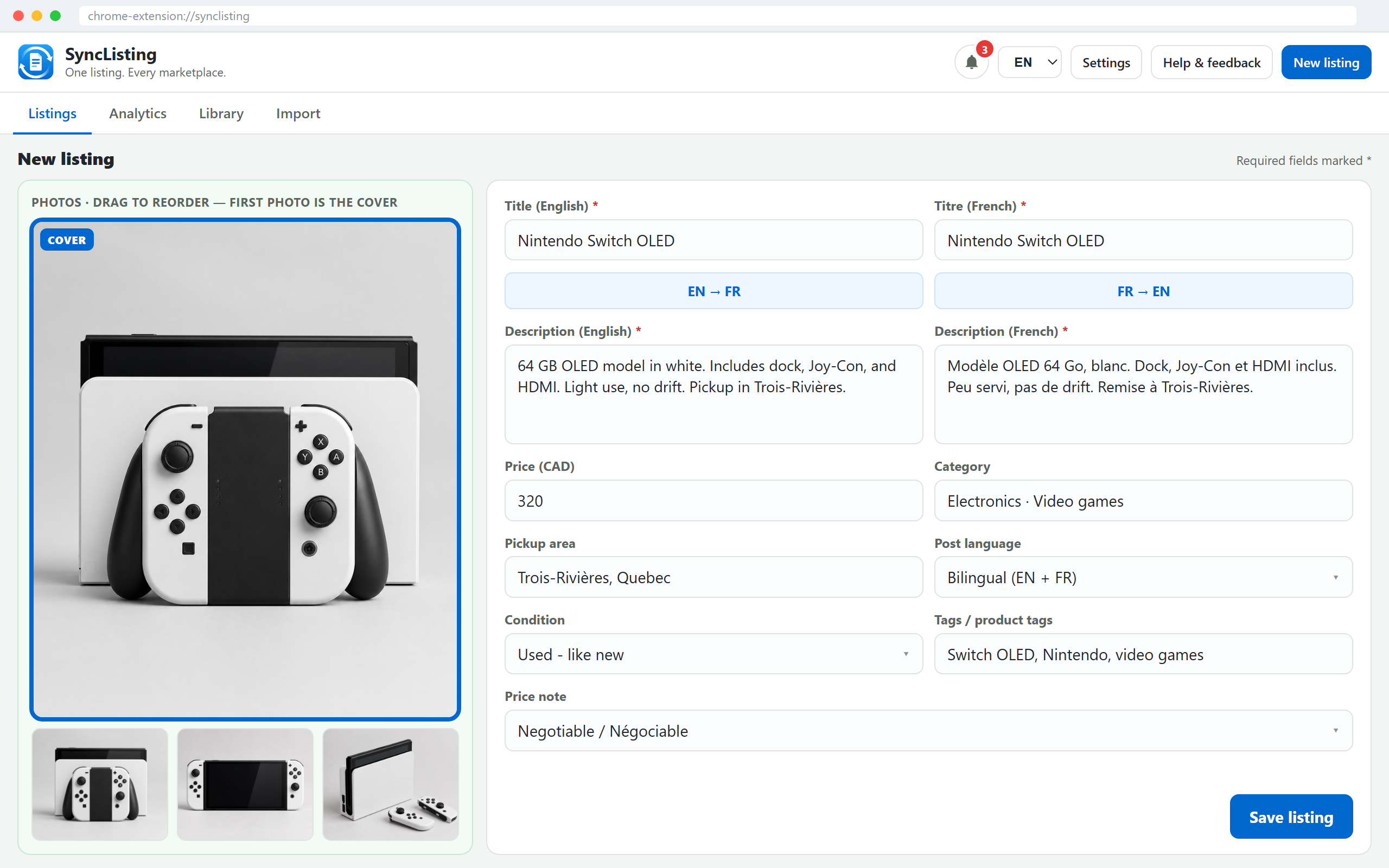
- On Poshmark, open My Closet and import the listing into SyncListing (photos and description included).
- Confirm the eBay site in Settings is eBay.ca if you sell in Canada. The default is Canada.
- Open the eBay create page from that listing. Fill any item specifics the form still wants. Set shipping and returns.
- Set the eBay price after fees, not by pasting the closet price and stopping.
- Click List on eBay yourself. Save the live eBay link on the card.
SyncListing fills the fields it can map, including title, description, brand, price, and photos when the form allows it. It does not press List for you.
Price
A closet price that works on Poshmark can underpay you on eBay once selling fees, payment fees, and a shipping label are included. Start from the closet number if you want, then raise or lower it until the payout matches what you would accept.
Check eBay’s current fee page for that category. Do not trust a fee remembered from last year.
If both are live
You now have two real offers. If Poshmark sells, end the eBay listing before another buyer pays. If eBay sells, mark the closet listing sold or take it down. SyncListing can remind you which sites are still marked live. It does not end either listing on the marketplace.
When to skip eBay
Skip eBay when you will not ship the piece, the category fees erase the payout, or the photos would not compete with shipped comps. A local Facebook or Kijiji ad is the other path for those items, covered in the Poshmark Canada guide.
Common questions
Does SyncListing list on eBay for me?
No. It fills the eBay form from your closet listing. You review item specifics, shipping, and returns, then click List.
Can I paste the closet price onto eBay?
You can start there. Check current eBay fees and your shipping cost before you publish so the payout is not a surprise.
What if both Poshmark and eBay sell?
End the other listing on that site the same day. SyncListing does not delete either marketplace ad.