Last reviewed: November 3, 2026
Two nearby crowds
Facebook Marketplace still catches most casual local search. Karrot buyers open a different app: map-first, meetup-first, often people who rarely scroll Marketplace that week.
Crosslisting both only helps when Karrot is actually used in your city. If nobody nearby is on Karrot, skip it. Density beats chip count.
What each form needs
| Area | Facebook Marketplace | Karrot |
|---|---|---|
| Who it reaches | People browsing Marketplace near your city | Neighbours already in the Karrot app |
| Location | The pickup city on this listing | Meetup from postal / location typeahead — click a suggestion |
| Category | Marketplace category | Karrot buy-sell category (will not mirror Facebook’s tree) |
| Photos | Clear cover plus details | Same set; confirm they attached |
| Price | Local cash / e-transfer ask | Usually the same local price |
| Chat | Messenger / Marketplace messages | Karrot chat — SyncListing has no buyer-reply assist here |
| After a sale | Mark sold or delete the Marketplace ad yourself | Remove or mark sold on Karrot yourself |
Meetup is the Karrot gotcha
Karrot wants a meetup you pick from suggestions, not a free-typed street that never resolved. SyncListing can fill what it knows from your listing location or postal code, but you still click a real suggestion on the form before you publish.
On Marketplace, confirm the city for this item — not the city left over from your last ad.
A practical workflow
- Save the item once in SyncListing: photos, price, category, and the pickup city or postal code.
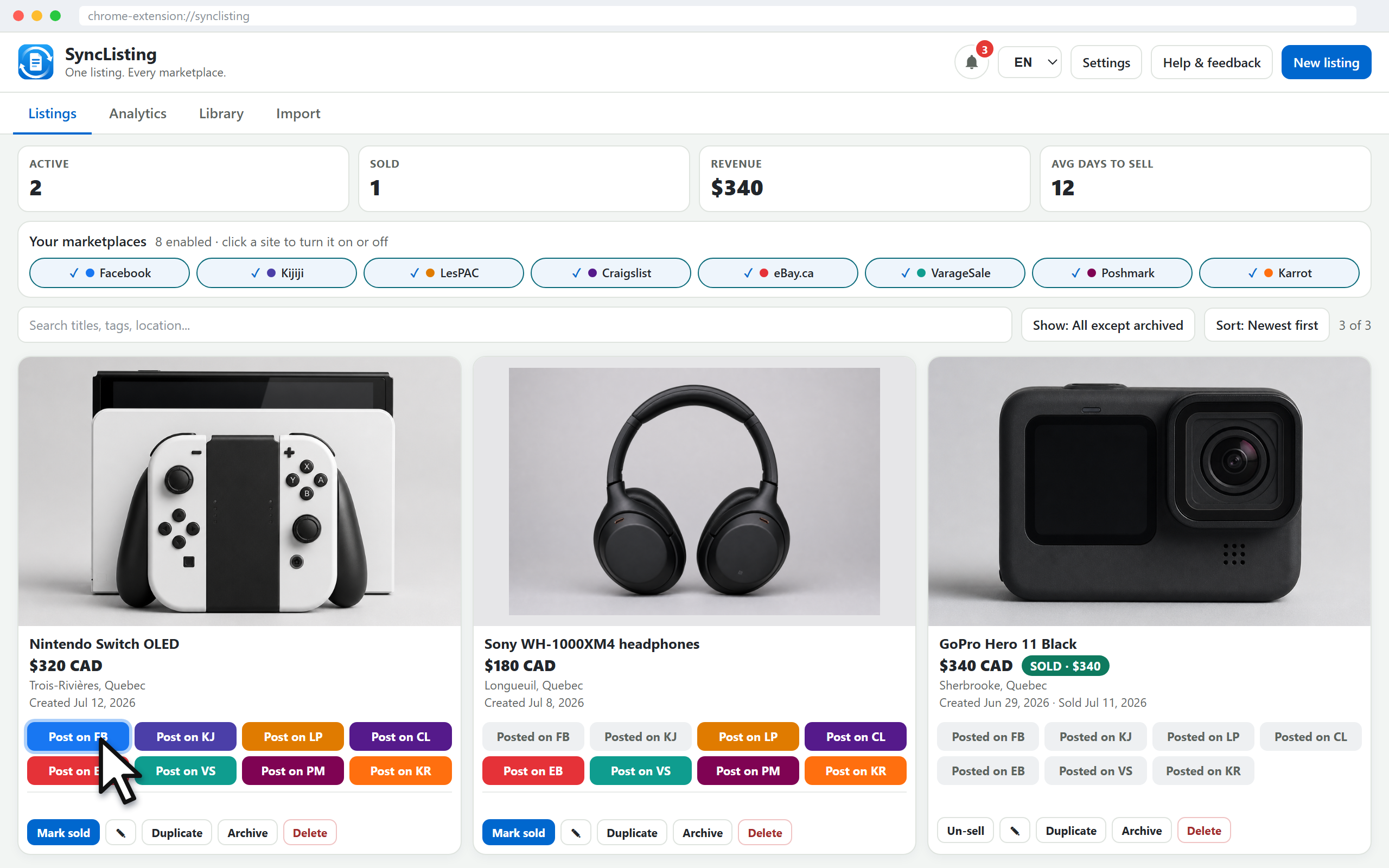
- Open Facebook Marketplace, confirm category and location, then click Post yourself.
- Open Karrot’s create page from the same card. Confirm category, click a meetup suggestion, then click Post yourself.
- When one copy sells, remove the other the same day.
Cross-post can open each create form in turn. Assist only — SyncListing never publishes for you, and it does not delete the other ad when one sells.
When to skip one of them
Skip Karrot if the app is quiet in your neighbourhood or the buyer will not meetup. Skip a second Marketplace-style copy if you already have Kijiji or VarageSale covering the same local ask and you do not want three meetups to manage.
Common questions
Does SyncListing post to Karrot or Facebook for me?
No. It fills each create form. You review meetup or location, then click Post on that site.
Is Karrot the same crowd as Facebook Marketplace?
No. Karrot is a neighbourhood app with its own buyer habit. Where it is active, it reaches people who may never open Marketplace that day.
Does Karrot need a meetup location?
Yes. Pick a meetup from the postal or location typeahead. Click a real suggestion — do not leave a half-typed street.
Can SyncListing reply to Karrot buyers?
No. There is no buyer-chat assist on Karrot. You answer in the Karrot app yourself.